
When working with your custom images there are a lot of tools and services out there to digitize the image for embroidery. With so many options it can seem a bit overwhelming to go from design to finished embroidery. Inkscape is a great option for basic shapes and colors with an easy to use fill stitch tool that can get some good results. Here is a basic step by step tutorial to get your embroidery file ready for any machine in 10 minutes or less. We are using a very basic default fill stitch in this example, with 1 color of thread.
- Download Inkscape and the inkstitch extension for Windows, Linux or Mac. Make sure to get the Inkstitch extension from the open source website https://inkstitch.org/
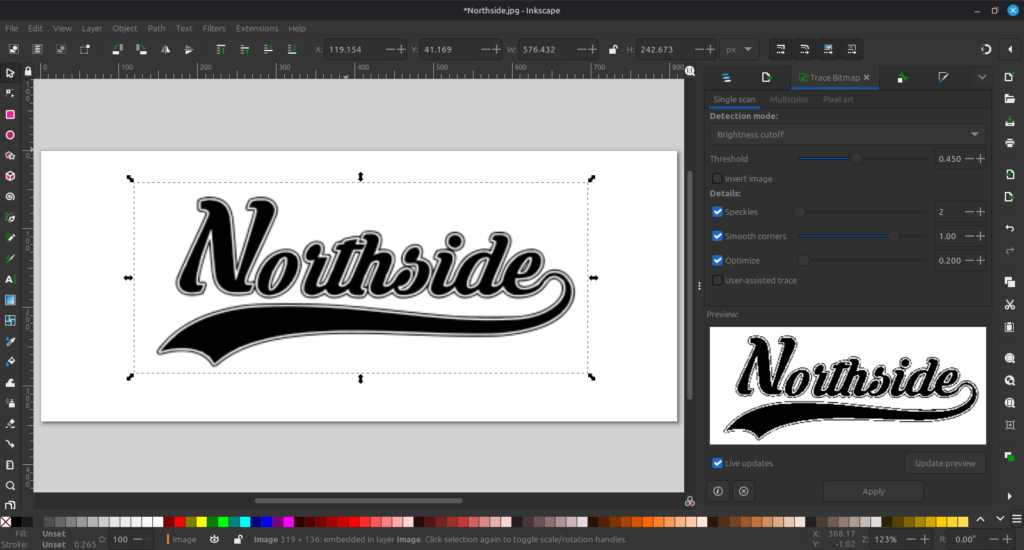
2. Open the image in inkscape, on the right hand side select the trace bitmap option which is accessible from the trace bitmap option from the menu or shift alt B. The default detection mode is brightness cutoff. Leave the general settings the same and click Apply at the bottom right of the screen. Ensure the image is selected and displaying both in the main frame and on the bottom right side of the window.
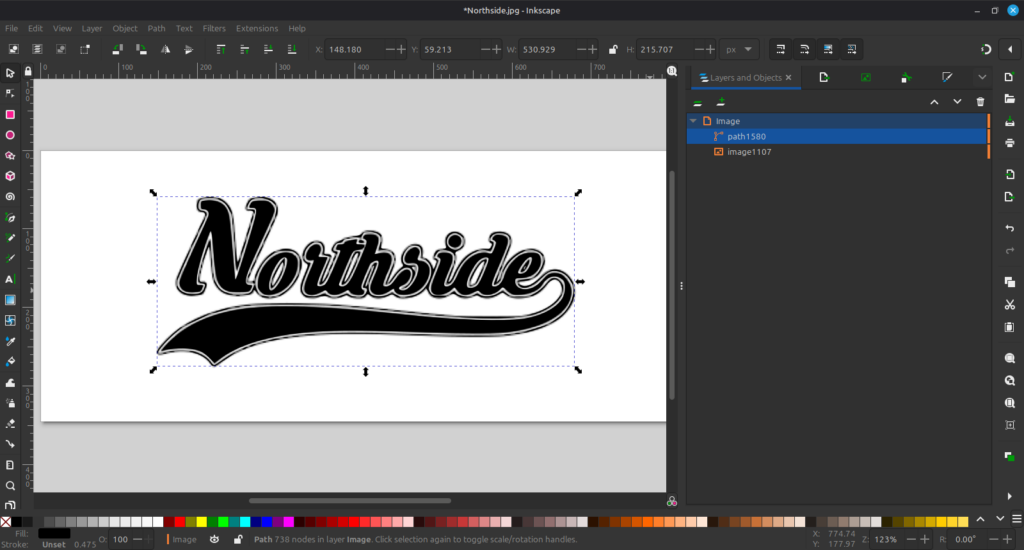
3. On the right hand menu click the tab to layers and the paths will be displayed. This is the general design that will be stitched as highlighted by a path.
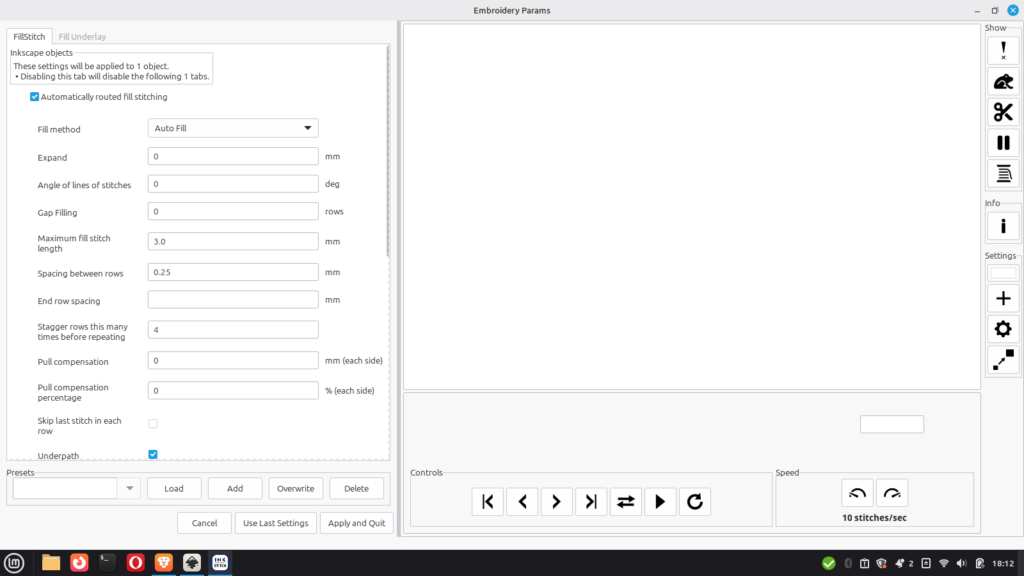
4. Open the Ink Stitch menu from Extensions. Click params. Don’t make any changes as a beginner — the default settings will create a basic version of the file you are looking for. Click Apply and Quit. Then re open the same params menu and click the play button on the right hand side under controls.
5. Watch the video of how stitches will be placed in order to finalize your design.
6. Select File and Export from the Top menu bar. This will open the export options on the right hand side of the screen. At the bottom the file path where the design file is will be stored. Select the design file type that matches your sewing machine from the list that pops up.
7. Transfer the design file to your flash drive to be tested on the sewing machine. Press play on your machine to test out the design.
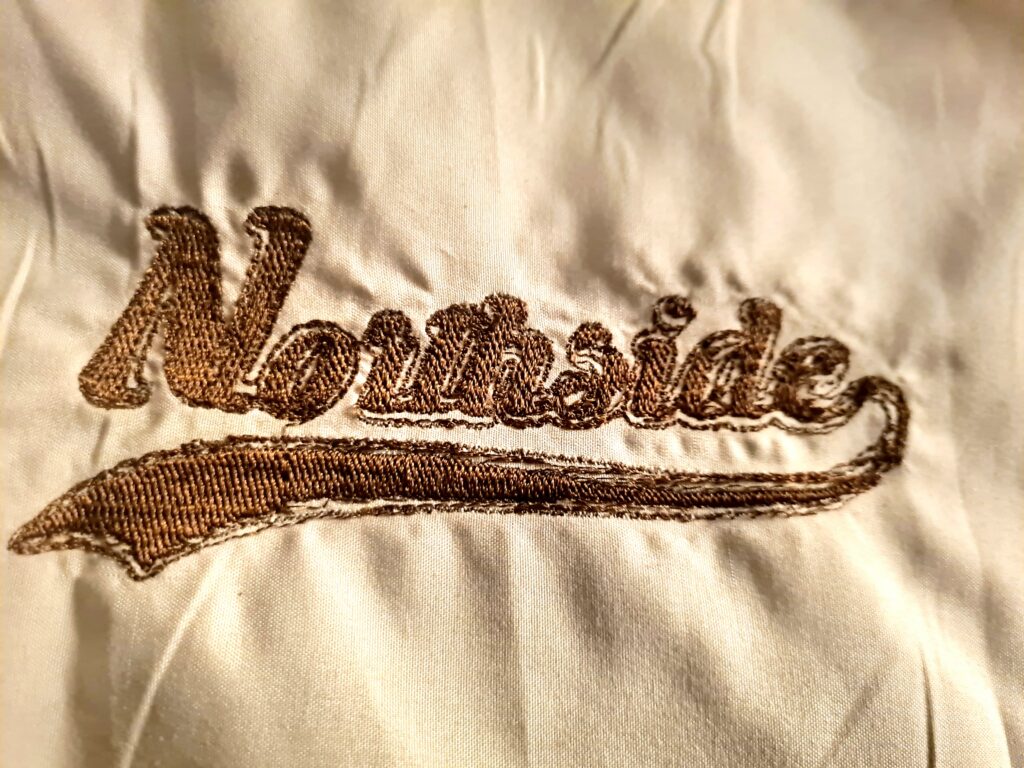
As there were no changes made to the params there could be some minor errors with the design. Make sure to use stabilizer to prevent puckering like on the design above.
Comments